

A little more memory.
A lot more making.
The definitive creative companion
for potters in practice.
From the first idea to the final firing, keep your pieces, glaze recipes, and studio notes in one thoughtful place.
Made for iPhone. Works offline. Your records stay yours.
 Form. Surface. Firing.
Which clay?
Which glaze?
What worked?
Keep the discovery.
Your studio,
elegantly tracked.
Less searching through camera rolls and scattered notes. More time with your hands in clay.
Follow every piece.
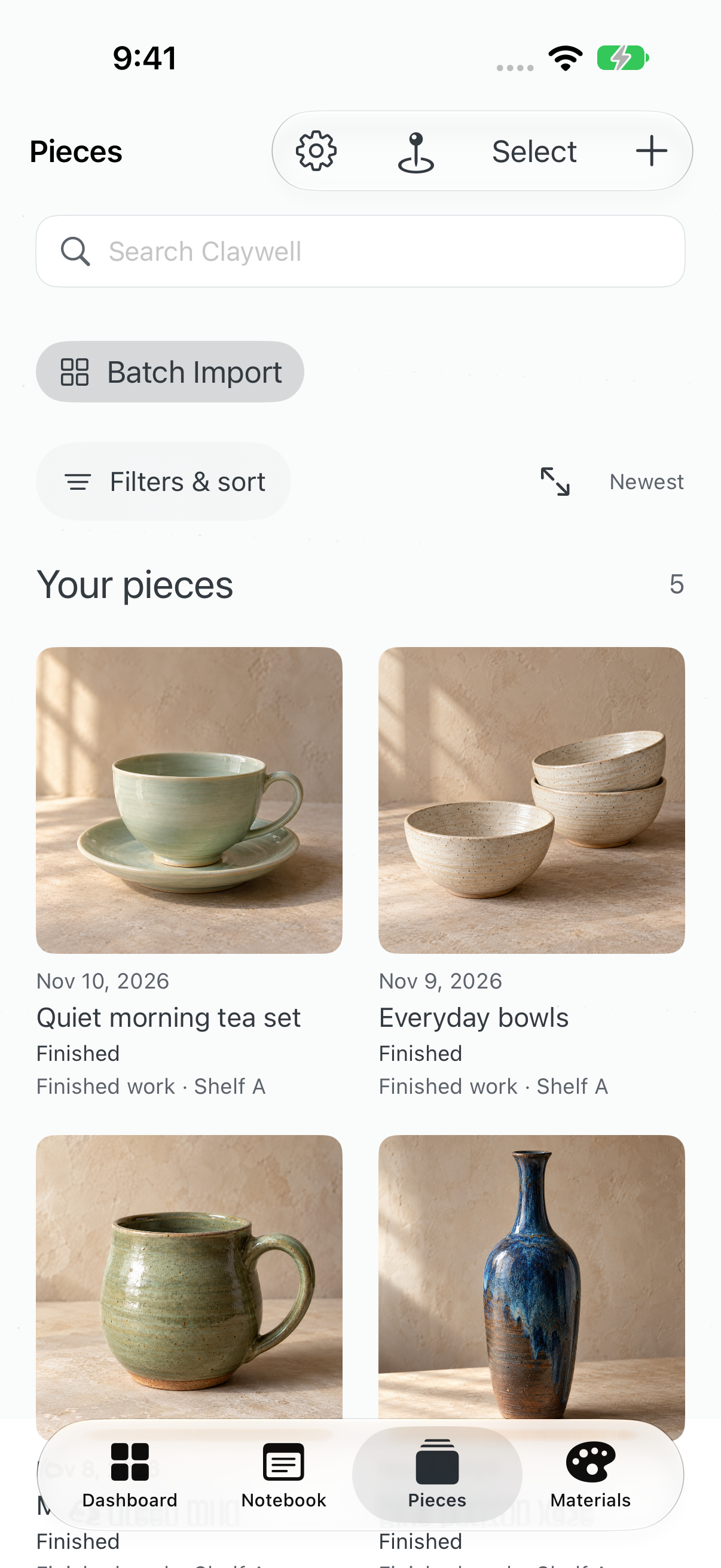
Build a photo-first gallery, track stages and locations, and keep clay bodies, surface layers, application notes, and firing results with your work.
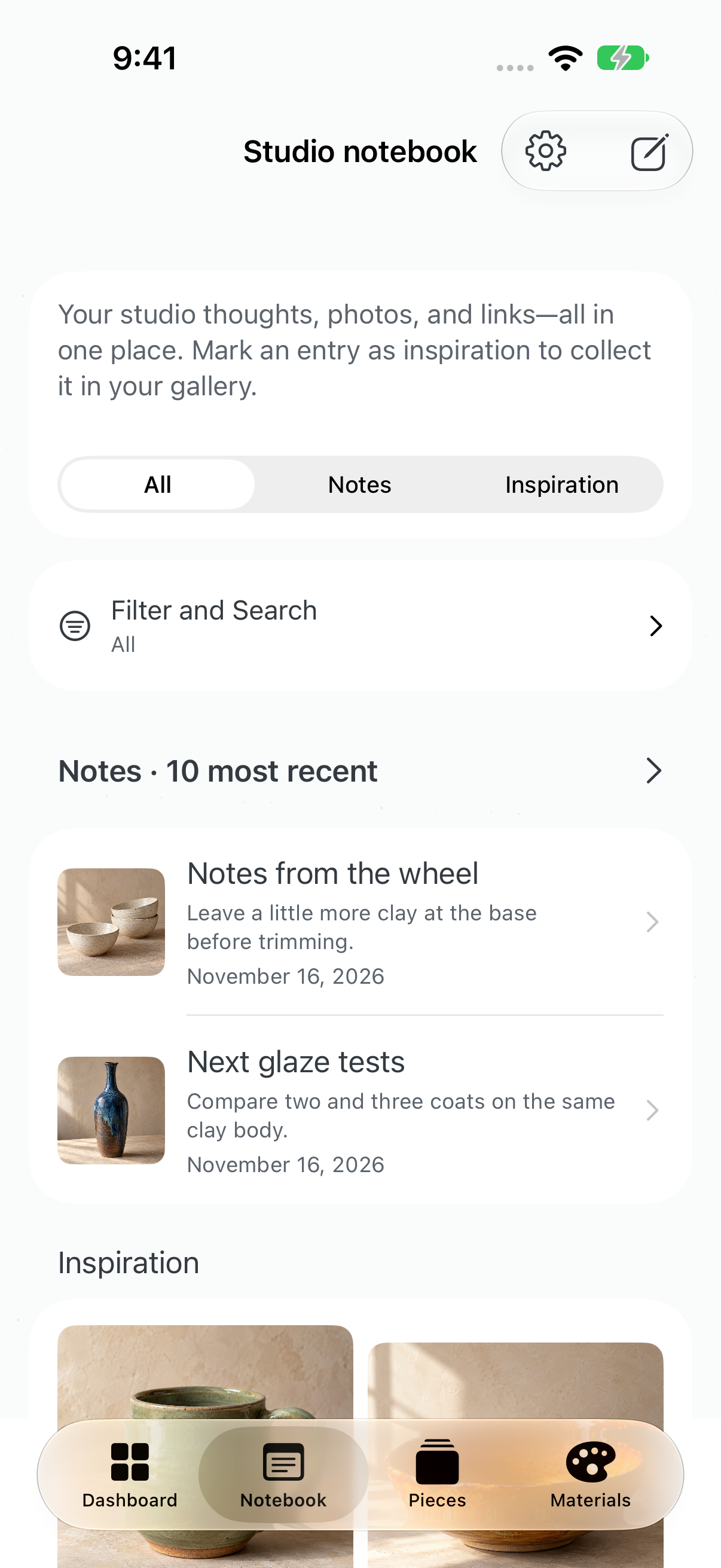
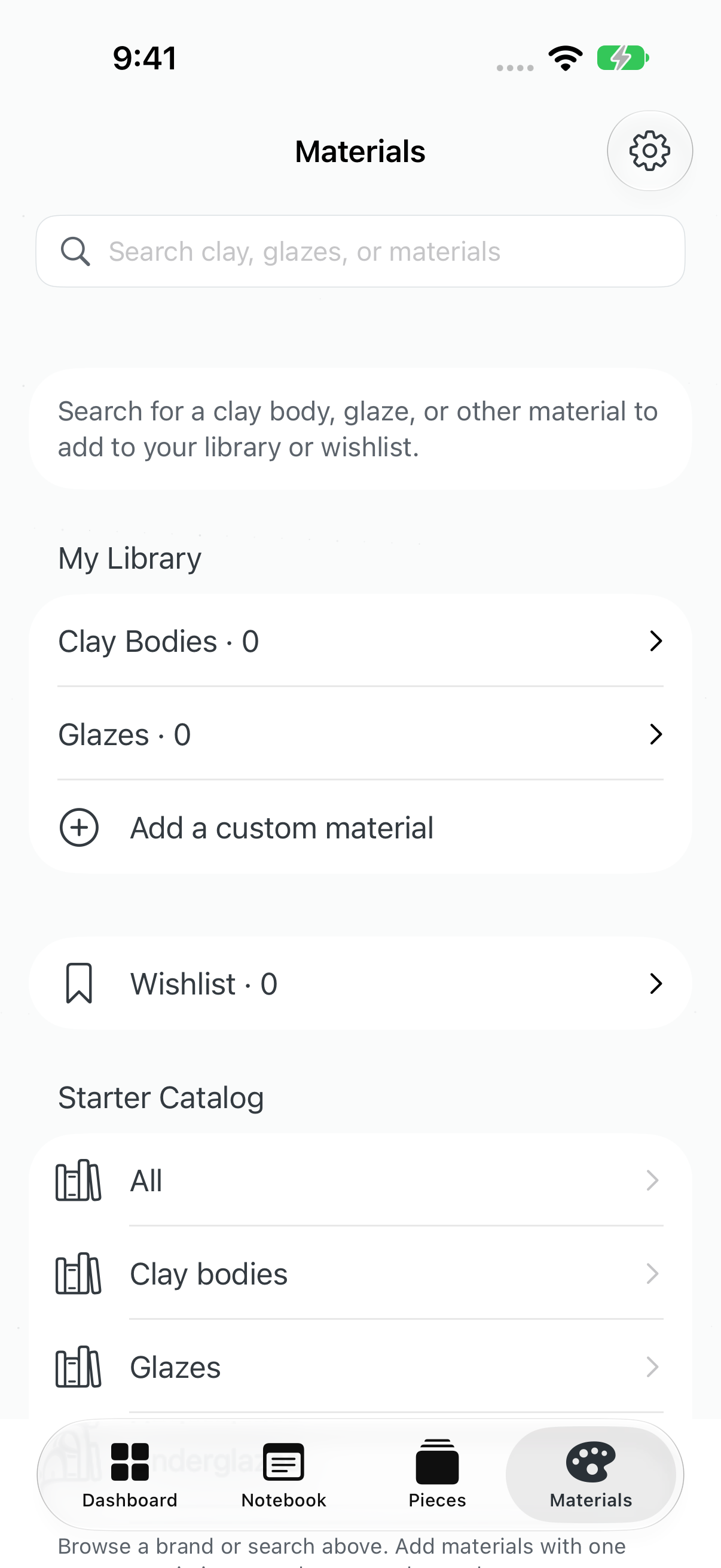
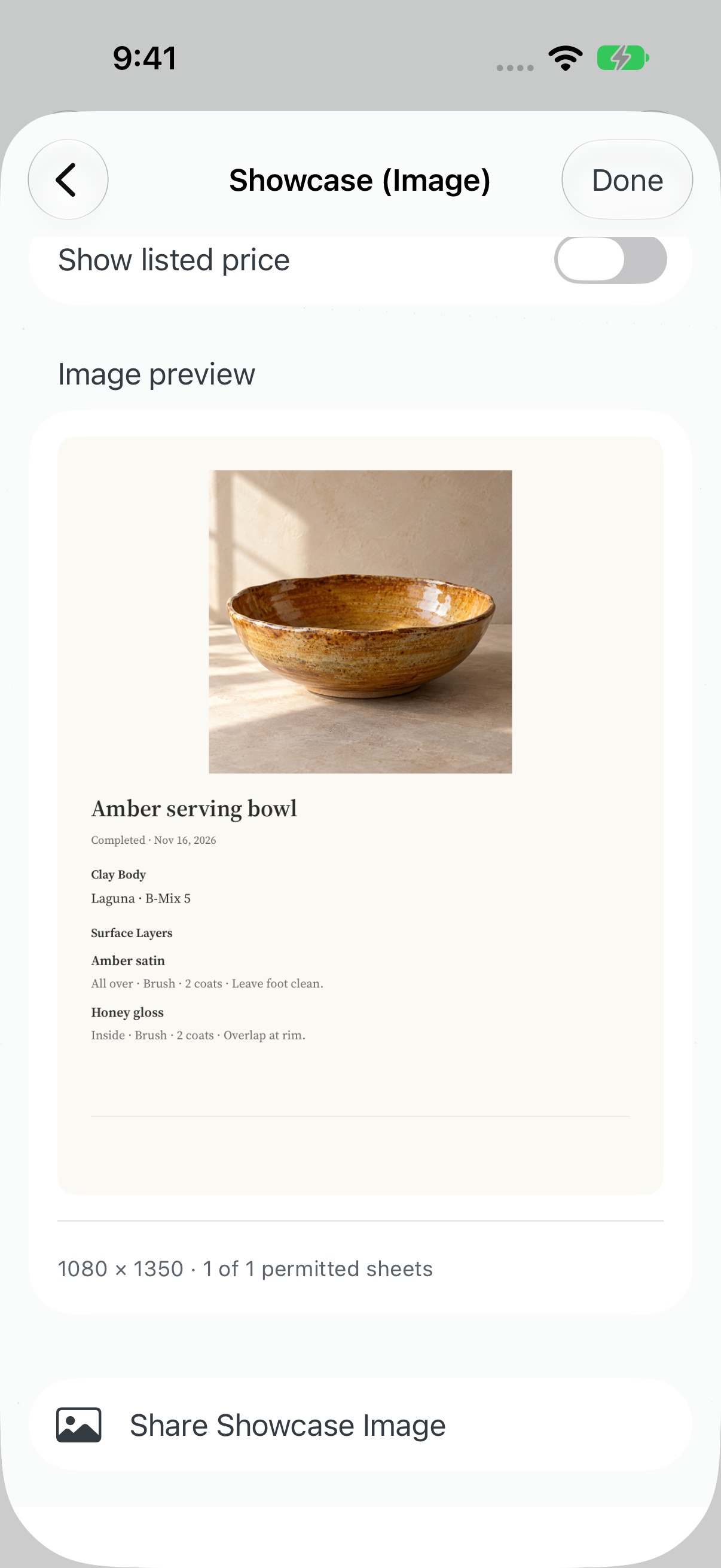
Actual Claywell screens · sample studio records
The recipe behind the result.
Record surface layers in order, with materials, application methods, coats, and notes. Keep firing outcomes and what worked with the piece.
A place for every piece.
Track progress and studio locations. Search across your records, filter your gallery, and update a whole batch together.
Let the work speak for itself.
Share photos and captions to social media or direct messages. Create Showcase images or Technical PDFs with selected details, your artist identity, and a default, white, or custom background.
A studio companion.
Not another account to manage.
No app login required. Keep your studio records locally and work offline. Export complete JSON backups or CSV piece records, with adjustable in-app reminders to help you keep a separate copy.
From the studio
to someone’s hands.
Capture ideas, keep the details, and share the finished work.
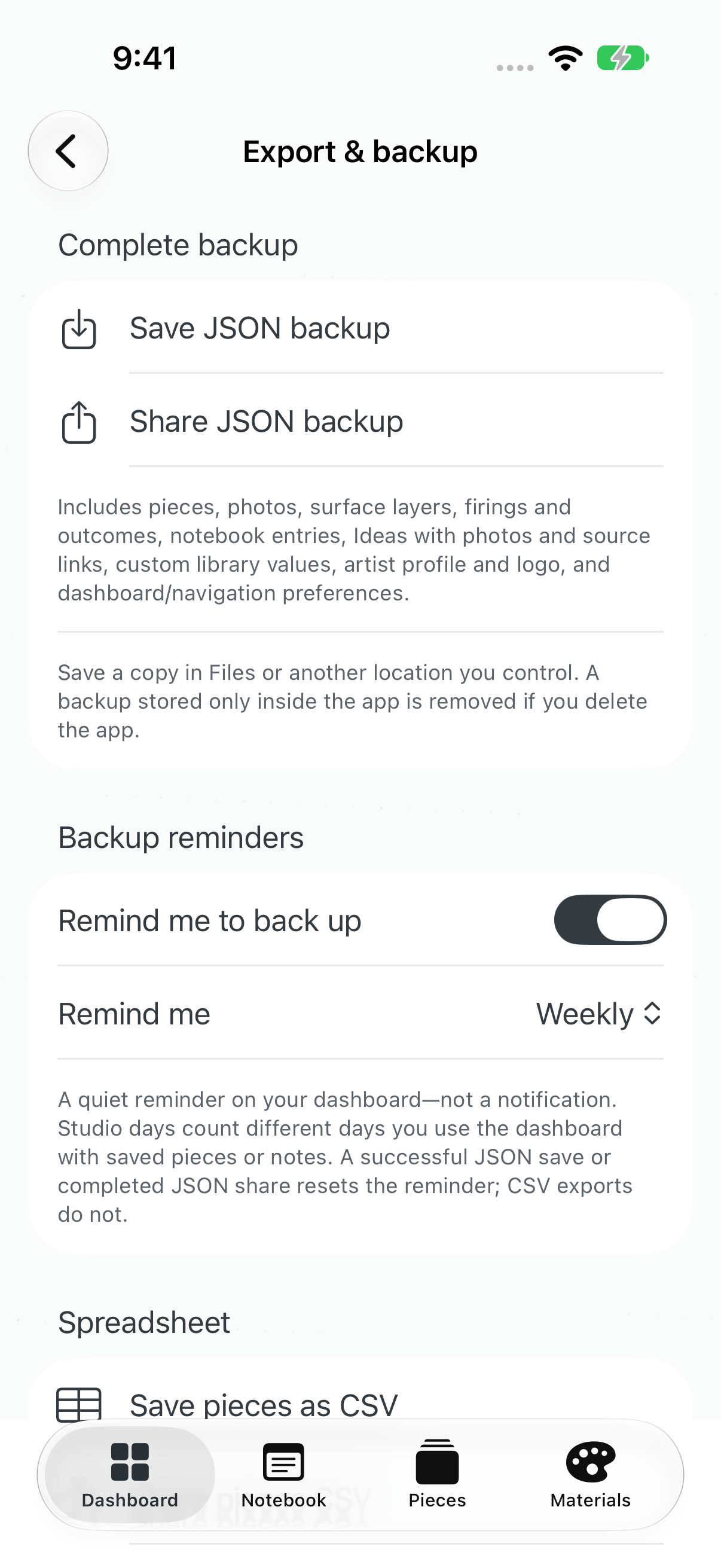
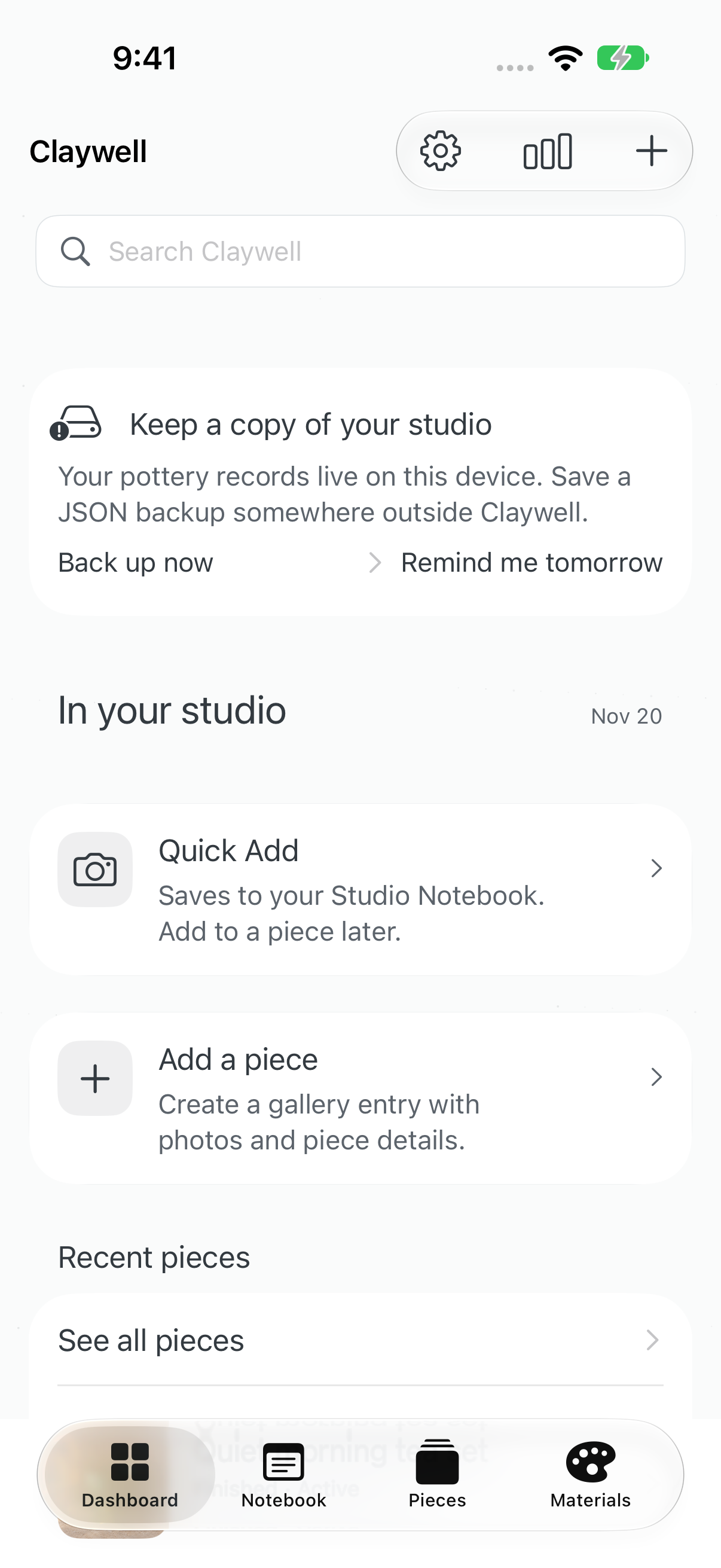
Capture now. Organize later.
Quick Add saves to your studio notebook. Keep a voice recording, transcribe a note when you choose, and link it to a piece. Apple speech recognition may need an internet connection.
Bring your past work along.
Batch import photos, group them into pieces, and name each record. Gallery filters and recorded locations help you find it again.
Make it your studio.
Set up your artist profile, custom materials, and dashboard. Save technical observations alongside the photos that tell the story.
Your next studio companion.
Claywell is preparing for its public iPhone release. The App Store download link and pricing will appear here when it is available.